
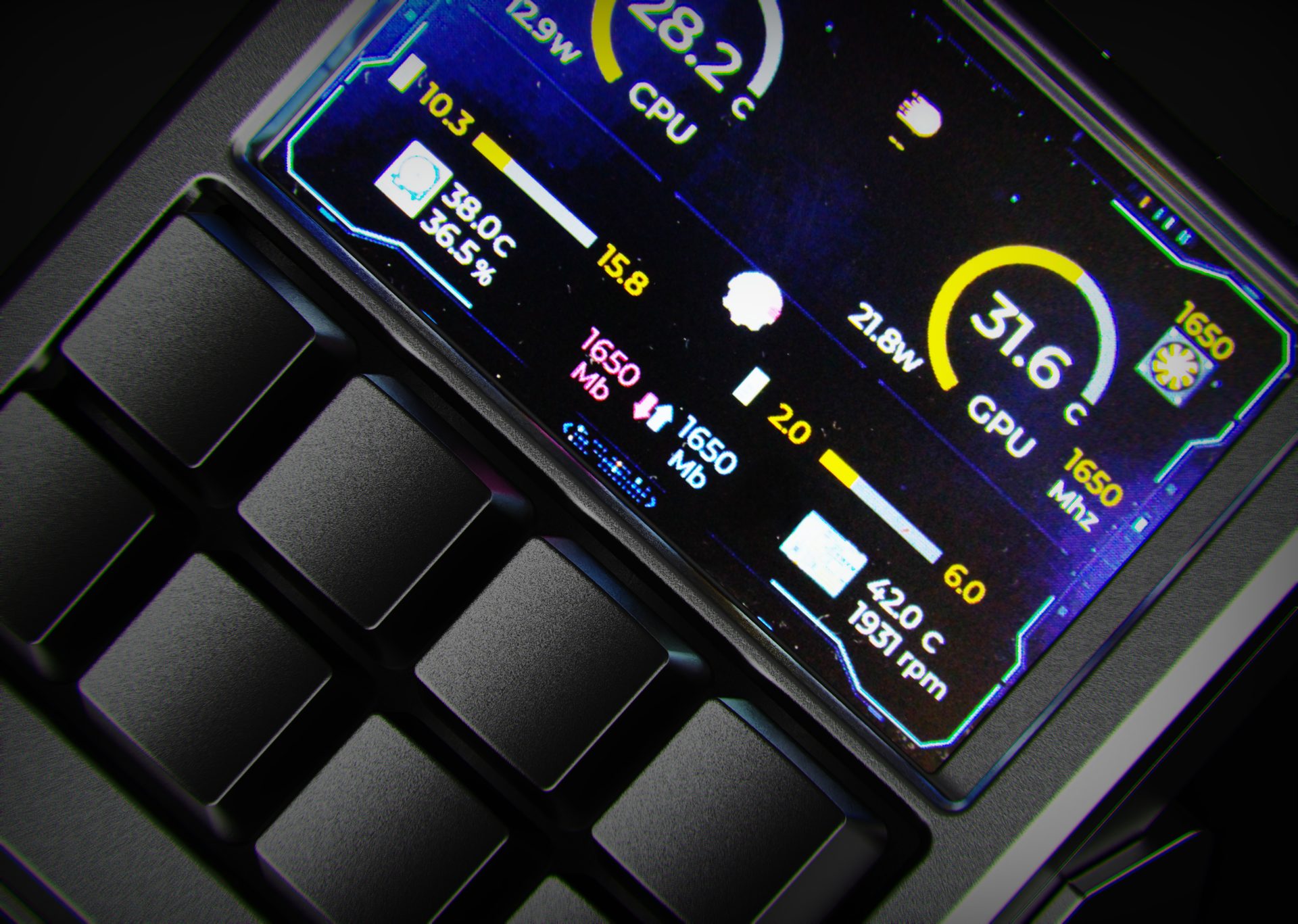
System stats that live on your desk.
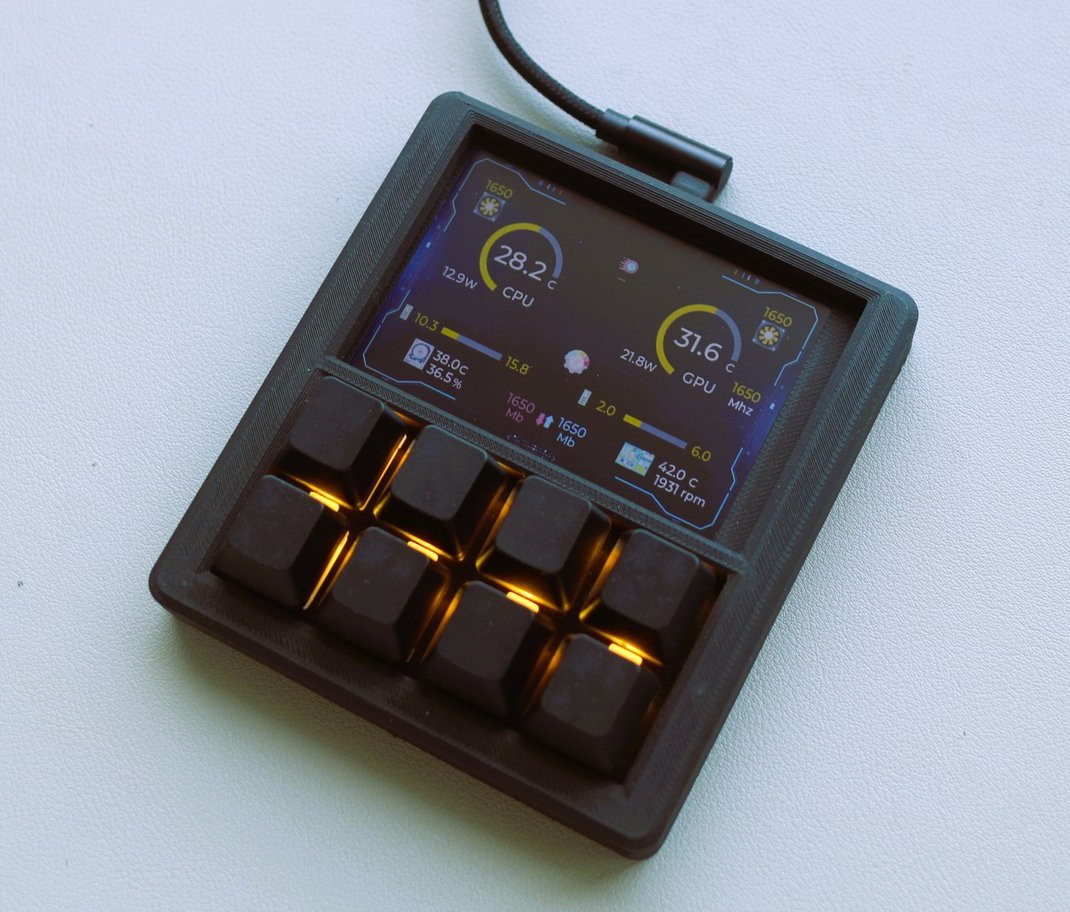
Phantom Deck turns your macro pad screen into a dedicated status hub for your rig. Temperatures, utilisation, clock speeds and fan RPM are always visible at a glance, so you know exactly what your CPU and GPU are doing even when your main monitor is busy.
- Custom layouts for CPU, GPU, RAM and network telemetry.
- High-contrast UI designed to stay readable in any lighting.
- Profiles switch with your macros, so your stats match your workflow.
All metrics are pulled from your system in real time via the Phantom Deck companion app, with update rates tuned so information feels live without hammering your hardware.
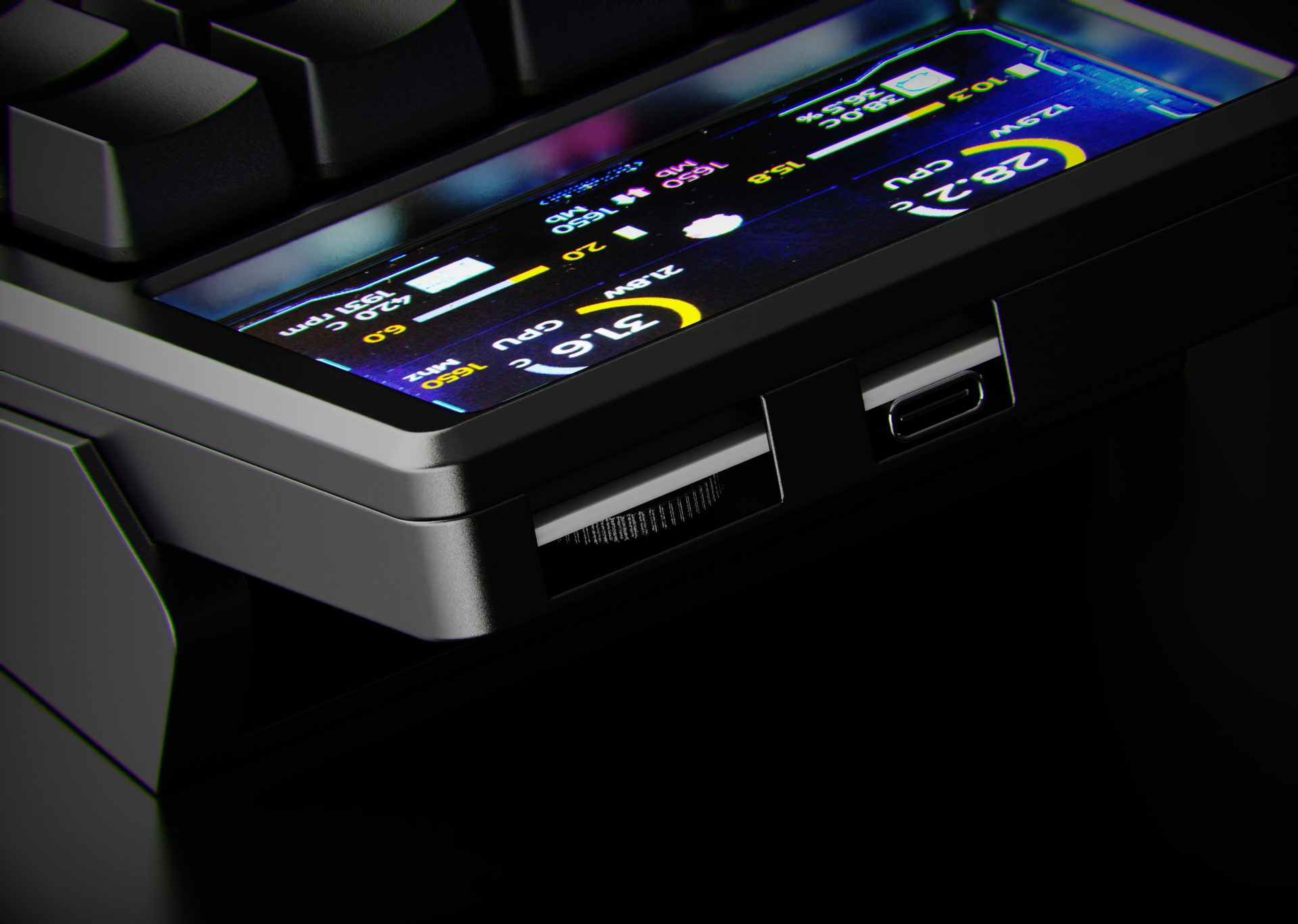
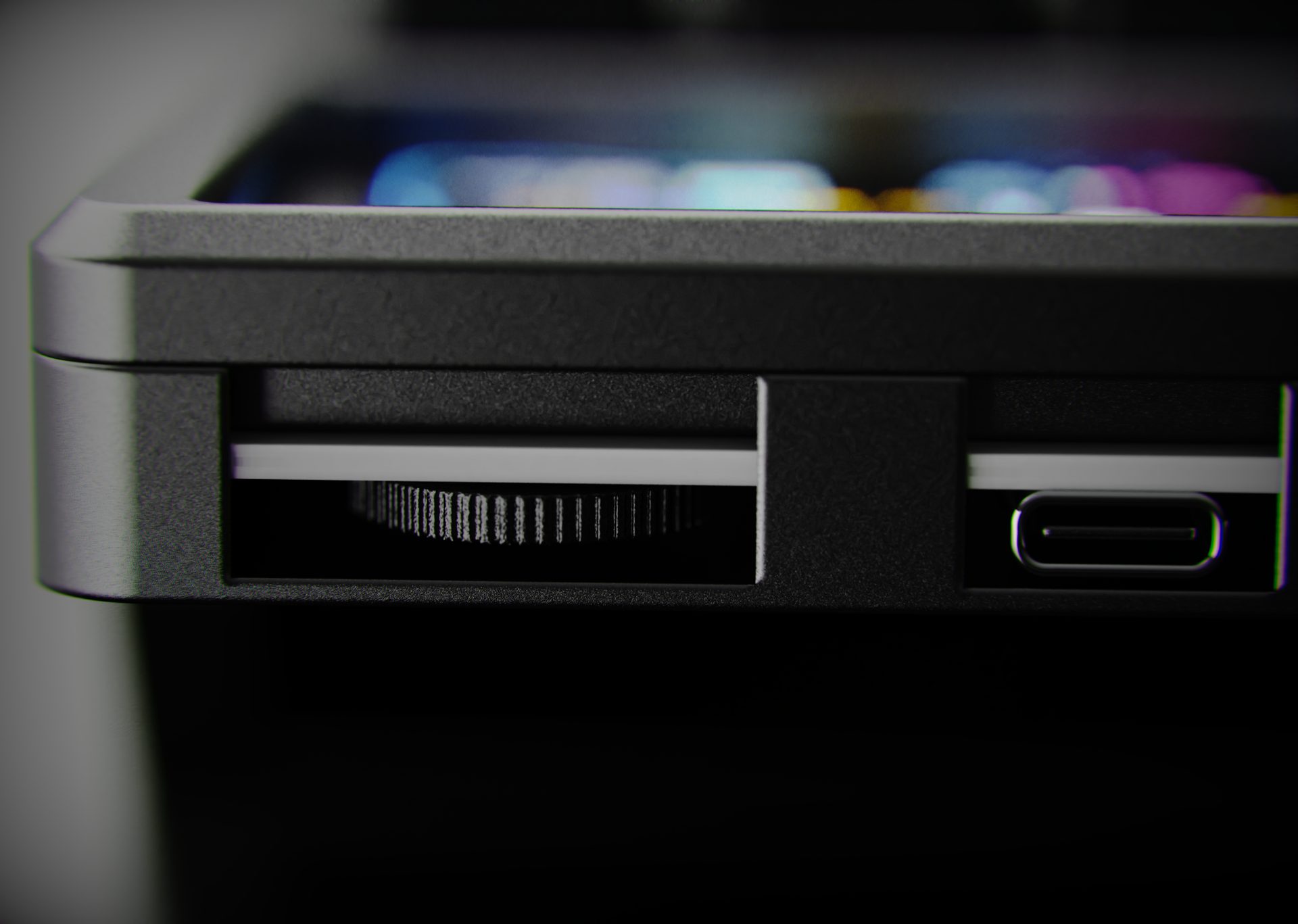
A dedicated profile switch for stats, macros or shortcuts.
The side-mounted encoder works as a hardware profile switcher. Spin or click to swap instantly between telemetry, macro layouts or a clean idle screen, with every profile stored on-board.
Whatever you run, MacroPad snaps into it.
From timelines and layers to scenes, chats and spreadsheets, MacroPad stays in sync with the apps you rely on every day.
%20(1).png)
.png)
.png)


.png)
.png)

.png)
.svg.png)




Your desk, upgraded to a control center.
Eight fully programmable keys and a 3.5" LCD that puts PC stats, macros and shortcuts on one compact macro pad.
MacroPad Pro
8 hot-swappable keys, live telemetry on the 3.5" LCD and profiles that flip between streaming, editing, gaming and more.
- AUD: 78.00$
- EUR: 44€
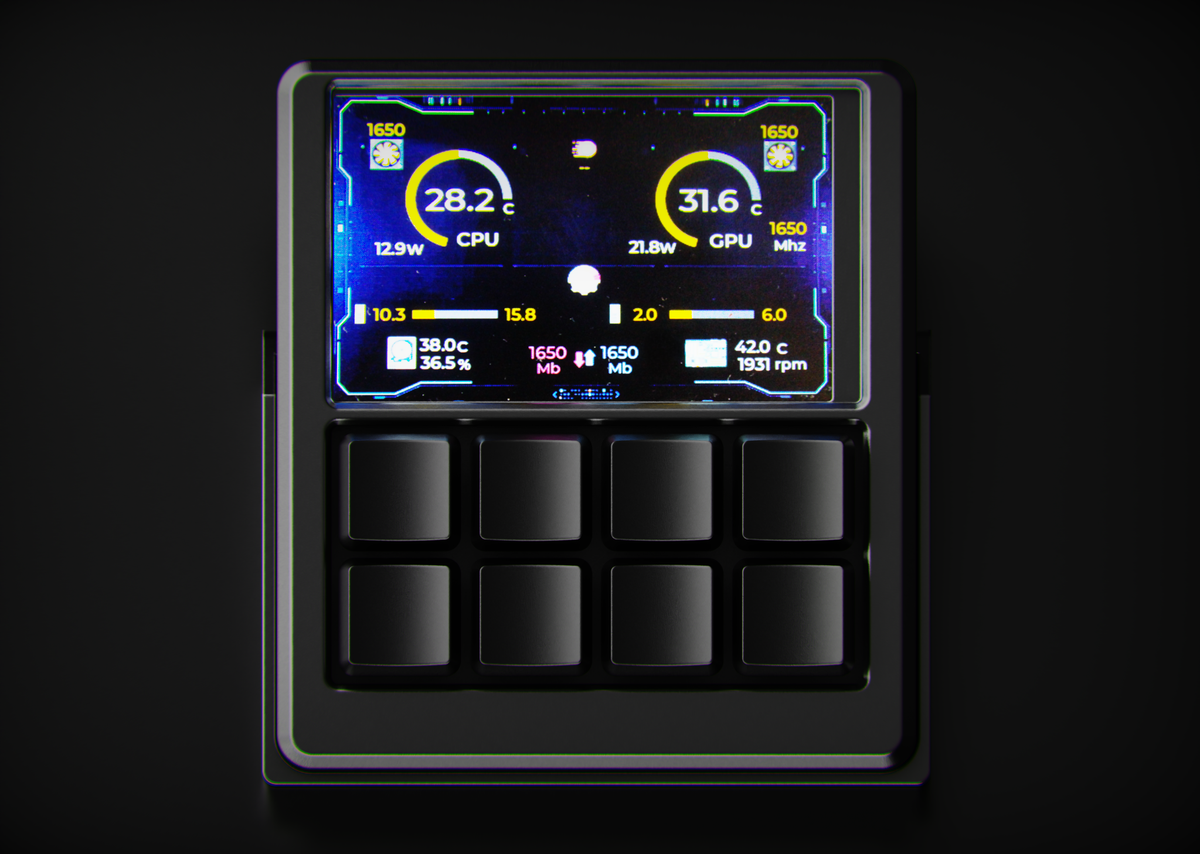
- 8 fully programmable, RGB-backlit keys.
- Full-screen PC monitoring or macro layouts on the 3.5" LCD.
- 5 onboard profiles, hot-swappable switches, custom icons & scripts.
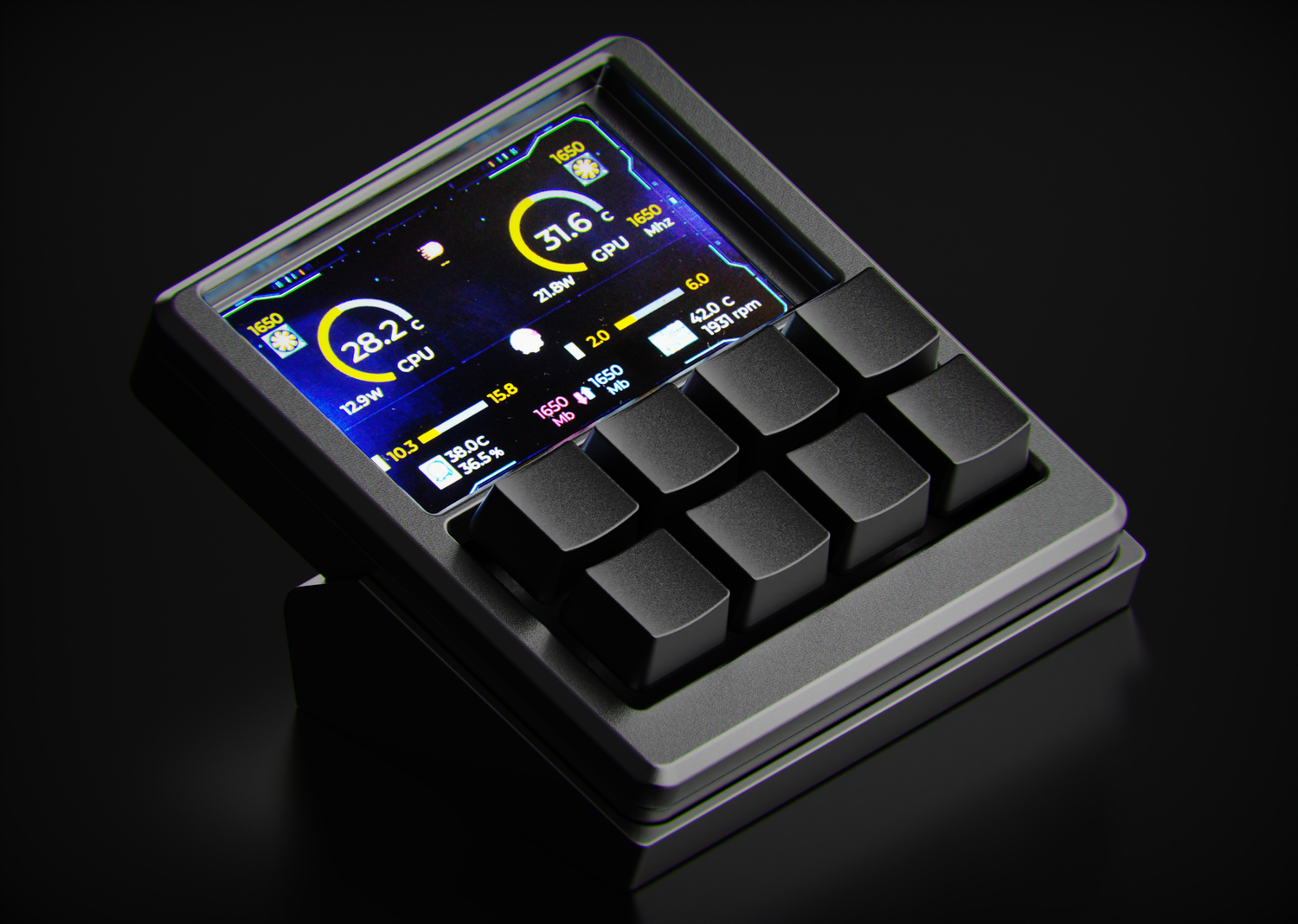
A screen that feels like a second HUD.
The MacroPad sits just off your keyboard, tilted so the display lives in your peripheral vision. Glance over and you see temps, clocks and usage without ever tabbing away from what you’re doing.
Turn your everyday workflow into one-tap actions.
The angled body and matching stand lift the screen into a comfortable glance zone, while the keys sit low and close so you can tap shortcuts without breaking hand position on your main keyboard. Whether you’re compiling, rendering, streaming, or gaming, your temps, clocks and macros live on a dedicated surface instead of stealing space from your primary setup.
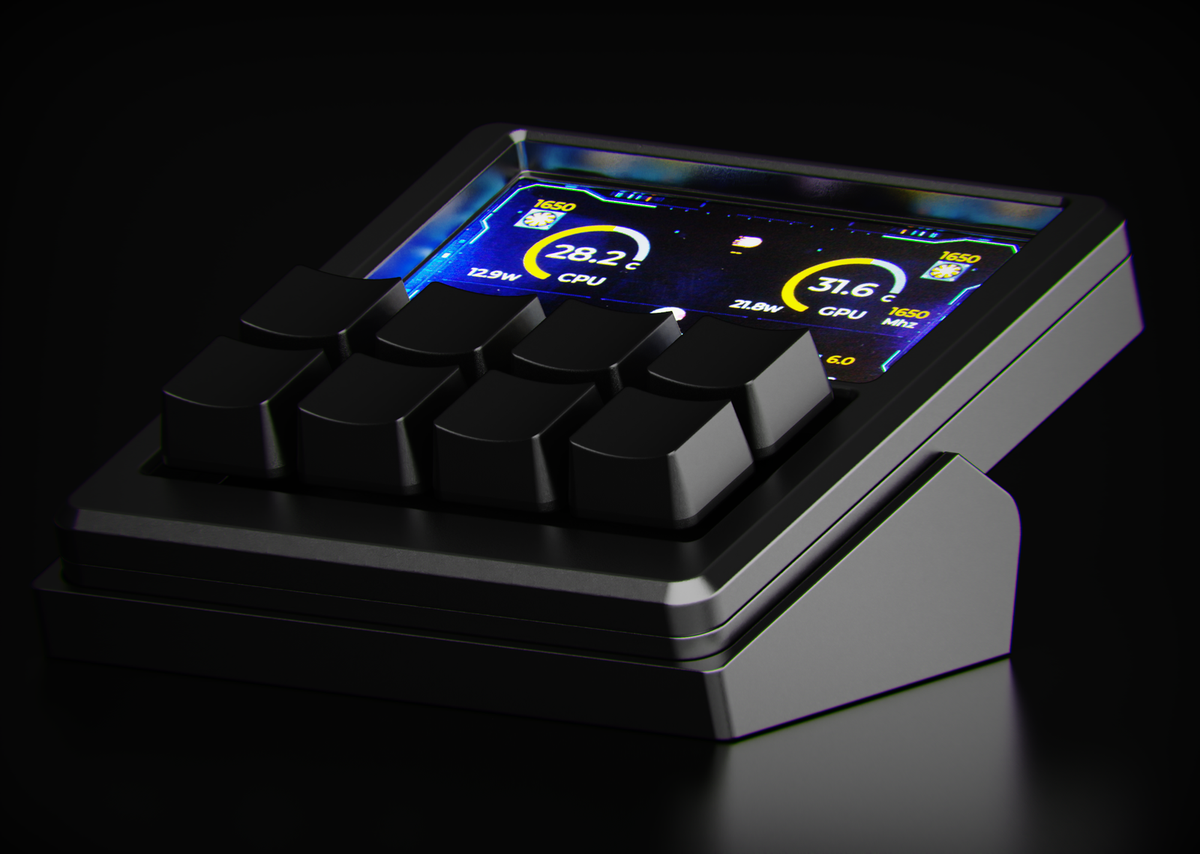
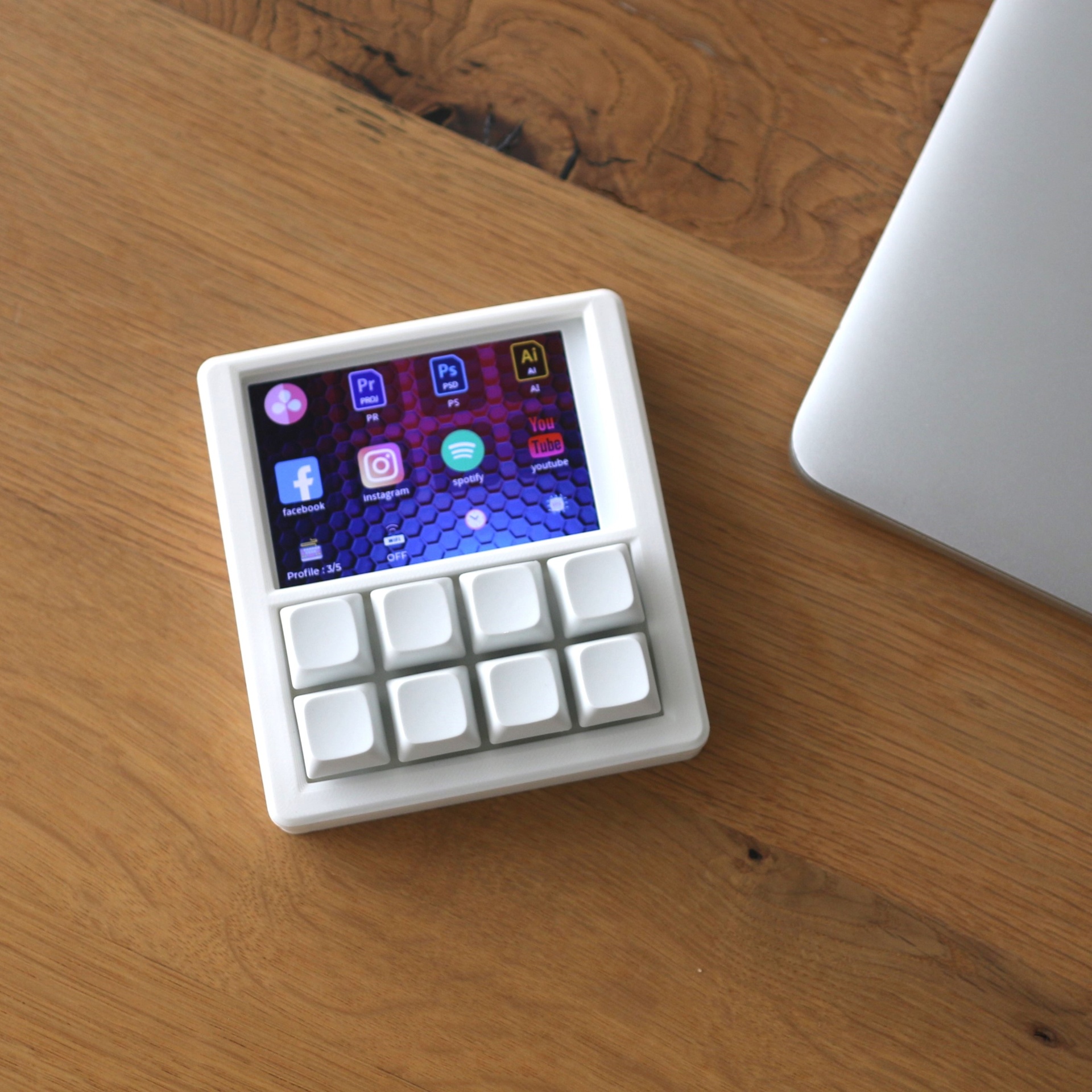
With your key shortcuts clearly labelled on-screen, you shave seconds off every task and keep your setup feeling fast and responsive.
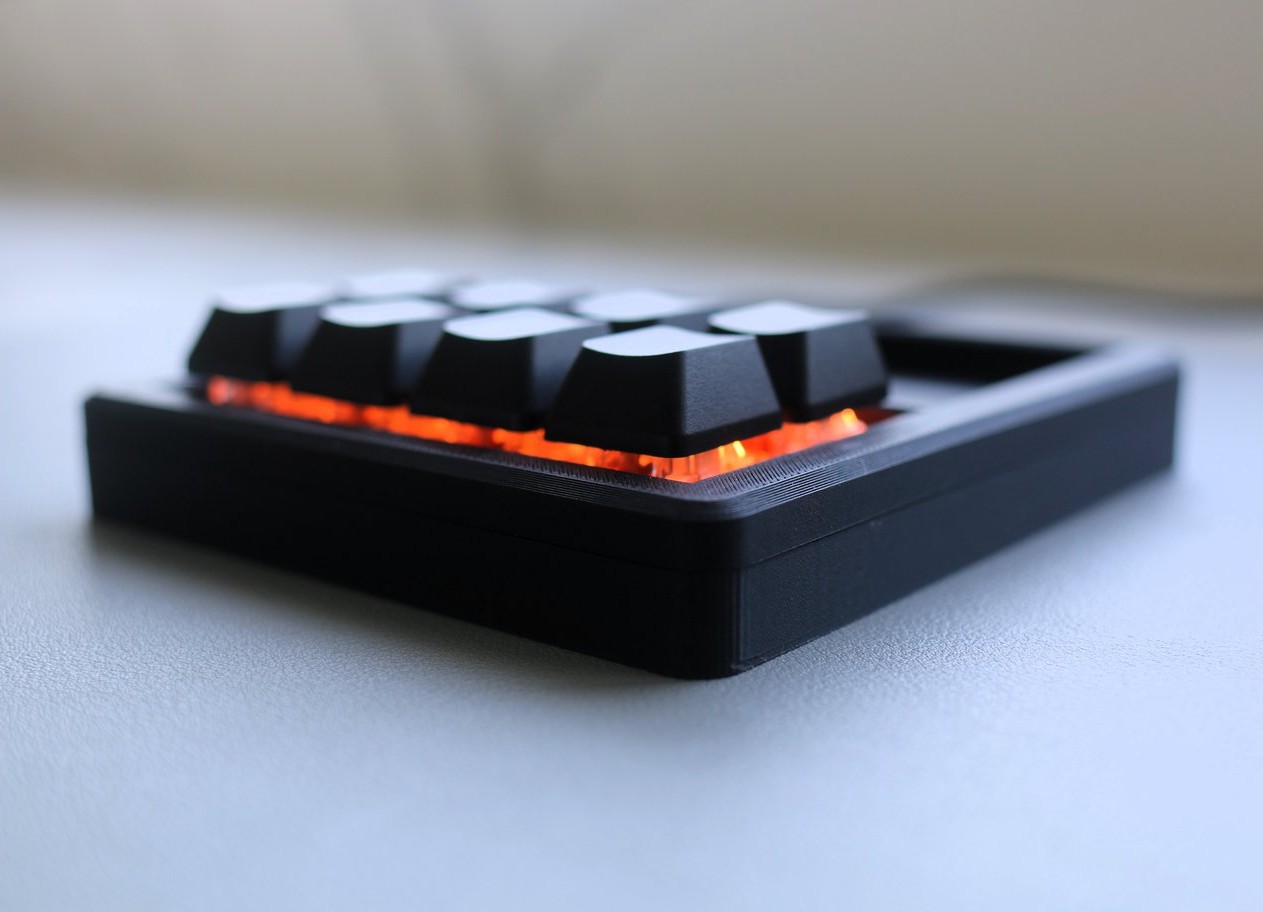
See Core 8 in the wild
Close-ups, overhead shots and real setups so you can see how Core 8 actually looks on a desk, under a monitor riser, or next to your keyboard.
Join the NexMacro Discord.
Tiny footprint, stacked feature list.
An 8-key macropad with a 3.5" LCD, hot-swappable switches, 5 hardware profiles and full scripting support – built to feel like a serious desktop controller, not a toy.